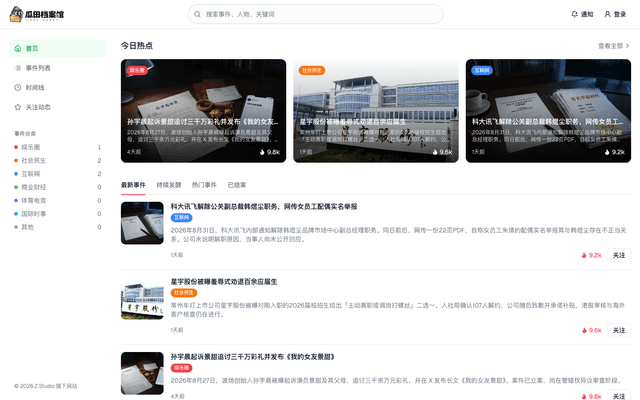
Guatian
Guatian is Z Studio’s hotspot event archive. Unattended AI agents search public reports, check claims, draft the story and timeline, generate a cover, and keep files updated. Every trending story deserves an archive.
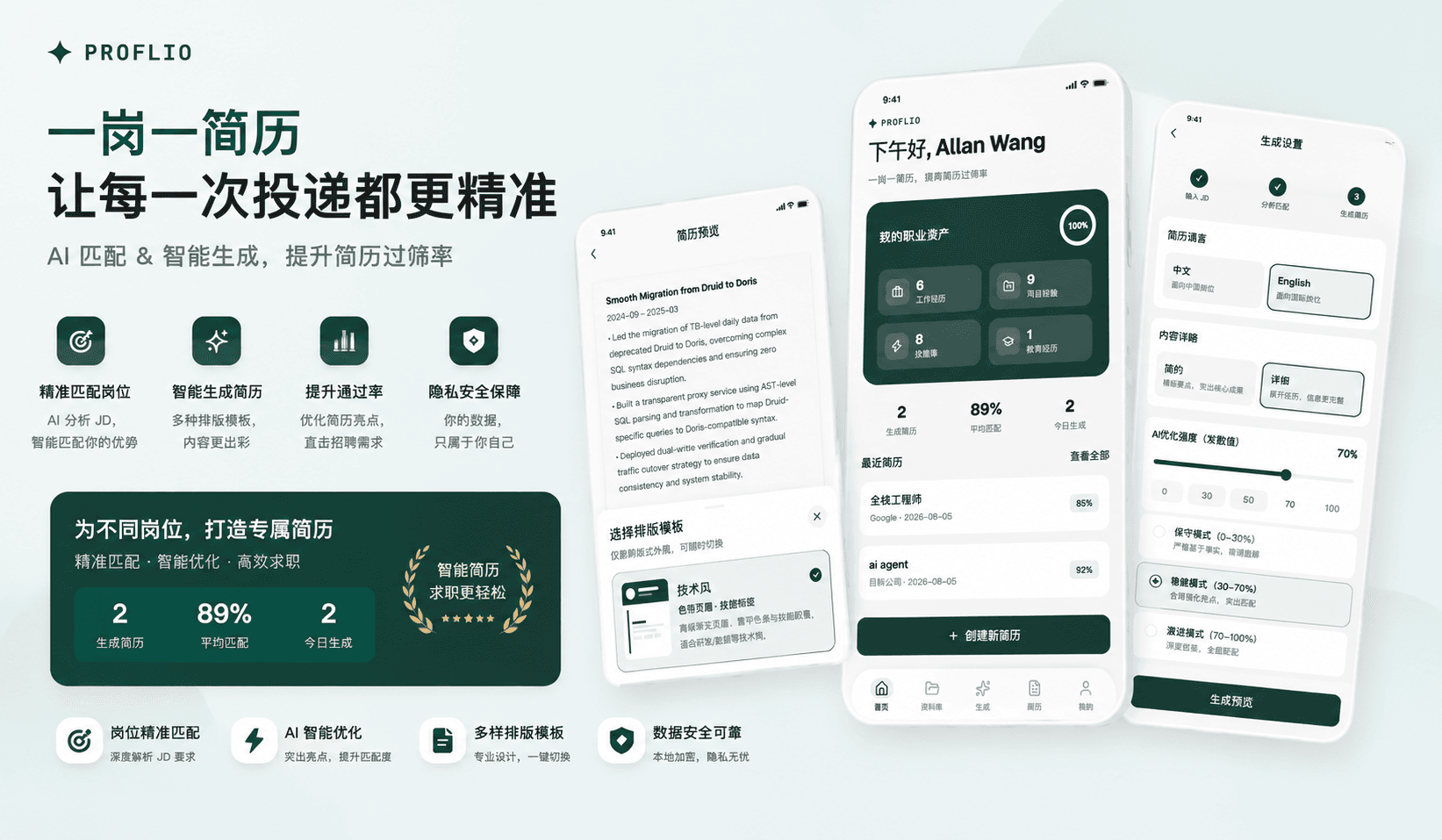
Proflio is a local-first professional portfolio and targeted resume generator that stores your data on your device. Enter your experiences, projects, education, and skills once, then match them against any job description (JD) to generate a tailored resume. Configure your preferred large model API endpoint before generating—requests go directly to your chosen service provider, bypassing Z Studio.
Download:
The most time-consuming part of job hunting is often not "whether you have experience," but rewriting your resume for every single position: mismatched keywords, repeated formatting adjustments, and sensitive information being sent to unknown websites. Proflio builds a reusable professional information database first, then uses your own large language model to generate tailored content based on each job description (JD)—one JD, one resume—increasing your chances of passing screening.
The product adheres to two core principles: data stays on your device, and you provide your own model. No account required, no cloud sync, no subscription. After a one-time purchase on the App Store, you gain full access to all features; only when you actively analyze or generate content are relevant texts sent to the AI interface you’ve configured.
One-time setup, multiple job applications
Maintain personal information, work experience, projects, skills, education, and certifications in one centralized location. When applying for different roles, start from the same professional asset base and generate customized versions based on each JD—no need to rewrite from scratch.
Fully local
All professional data, generation history, profile pictures, model configurations, and prompts are stored entirely on your device. Uninstalling or clearing app data deletes everything—Z Studio cannot recover it because we do not store any of this content.
You bring your own model
No built-in default LLM, no bundled API keys. Simply enter an OpenAI-compatible API Key in "Me → AI Model Configuration"; Base URL and model name can be left blank, defaulting to DeepSeek. You settle costs directly with your chosen service provider—the requests never pass through Z Studio.
Matching visibility, generation control
First review how well your profile matches the JD, including keyword coverage and skill alignment. Then choose resume language, content depth, and optimization intensity. Advanced users can also customize system prompts.
Flexible layouts, export-ready
Six layout templates and multiple color schemes can be freely combined. Preview, edit text directly, then export as PDF or Word and share via system sharing panel.
Three steps to create a targeted resume:
Generated results are saved in resume history and can be regenerated or deleted.
Interface language follows system (Simplified Chinese / English).
A good job-hunting tool should help you maintain a genuine professional asset—not lock your resume into some cloud account. Models can be swapped, but your data should always stay in your hands.
Proflio: One resume per job, data stays local.
Guatian is Z Studio’s hotspot event archive. Unattended AI agents search public reports, check claims, draft the story and timeline, generate a cover, and keep files updated. Every trending story deserves an archive.
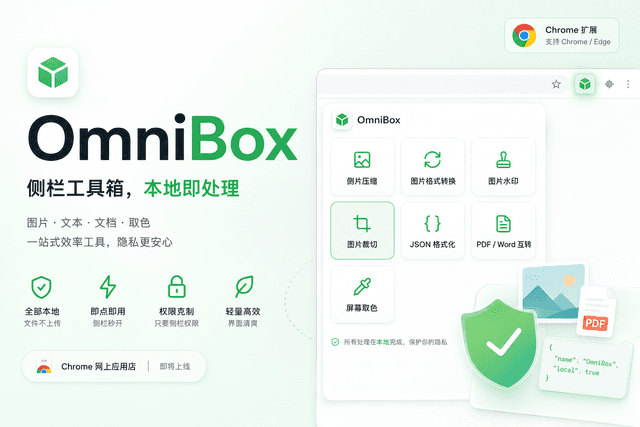
OmniBox is a lightweight Chrome browser toolbox. Click the extension icon to open the sidebar tool directory, where you can find all common features in one place—image compression, format conversion, watermark cropping, JSON formatting, PDF/Word conversion, screen color picking, and more—all processed locally on your device without uploading files or requiring account registration.
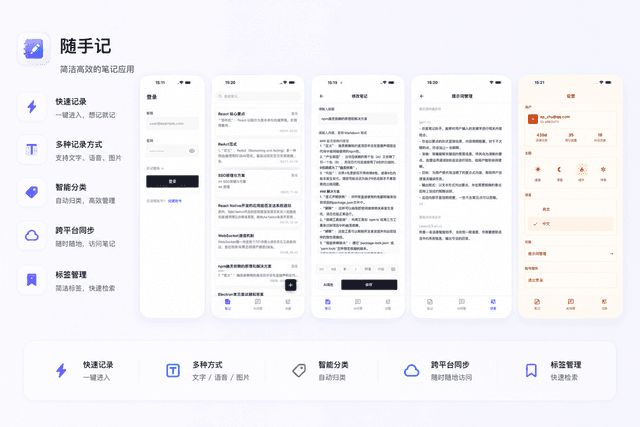
Shousuiji is a minimalist and efficient note-taking tool that enables one-tap recording of text, voice, and images, with smart categorization and cross-platform sync to keep your ideas and important information always within reach.