The Mobile Automation Assistant is a powerful tool designed for macOS and Windows users to intelligently control Android devices. By leveraging ADB connections and real-time scrcpy screen mirroring, combined with advanced visual and audio recognition capabilities, it enables intuitive configuration and execution of complex JSON-based workflows—bringing seamless, cross-device automation to life.
- Multi-Device Connection Management: Supports both USB and wireless ADB connections. Devices can be paired via pairing codes or discovered automatically through local network scanning, allowing centralized management of multiple Android devices.
- High-Quality Real-Time Mirroring: Uses scrcpy technology to stream H.264 encoded video, with adjustable resolution, frame rate, and bitrate for low-latency, high-fidelity remote operation.
- Visual Debugging Interface: Directly select regions on the mirrored screen, capture template images, and preview OpenCV matching results in real time—ensuring precise identification of interactive elements.
- Declarative Workflow Engine: Employs rigorously validated JSON configurations to compose actions such as taps, waits, loops, state machines, image matching, and voice event detection—ideal for building sophisticated automation logic.
- Extensible Driver Ecosystem: Built-in driver management system allows installation, organization, and publishing of automated modules with static assets; supports both public and private drivers for team collaboration and scenario reuse.
- Multiple Execution Modes: Offers an Electron GUI and CLI interface sharing the same core automation engine, with built-in tracking of runtime duration, success/failure counts, and detailed logs.
- Gamers: Automate repetitive tasks like farming, auto-battle, or reacting to specific in-game events.
- Automation Developers: Build reusable, version-controlled scripts across multiple devices.
- QA Engineers: Perform parallel testing, UI validation, and anomaly detection across numerous devices.
- Efficiency Seekers: Transform routine manual operations—like data sync or scheduled reminders—into fully automated processes.
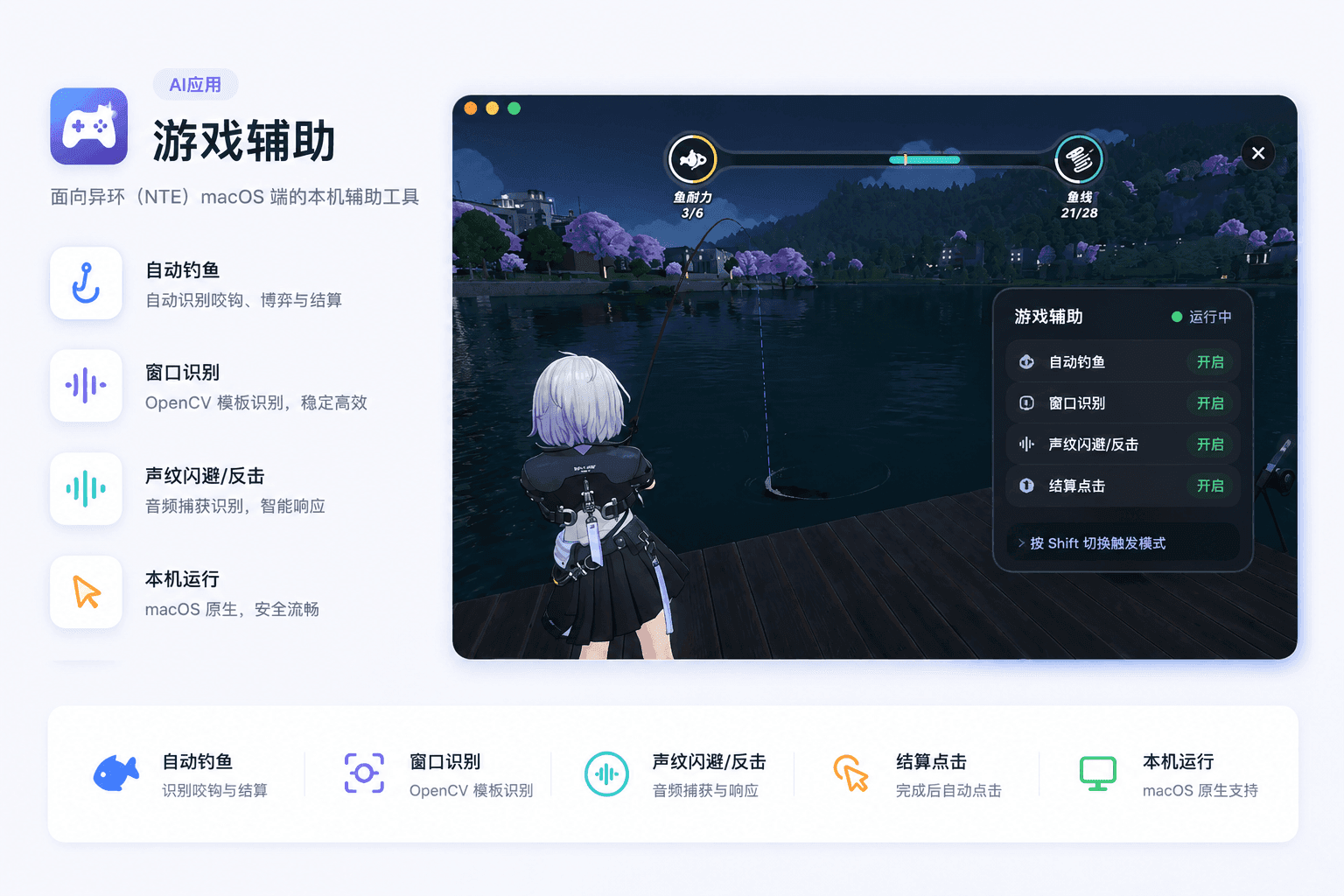
- Game Assistance: Automate fishing in Hui, trigger dodge/counter moves based on voice cues, and execute special NPC quests in Hui.
- Bulk Device Management: Perform identical actions across multiple phones simultaneously—such as app installation, setting updates, or status collection.
- Smart Monitoring & Response: Detect specific sounds (e.g., alarm tones or alerts) and trigger predefined responses, like confirming pop-ups or capturing screenshots.
- Automated Testing Flows: Simulate full user journey from app launch to exit, ensuring end-to-end test coverage.
The installer includes ADB, scrcpy-server, and FFmpeg out of the box—no need to manually configure Android Platform Tools or system PATH variables. Get started instantly, without setup friction.